
Product · Pipedrive · built on Amazon Connect
PipedrivePipedrive CTI connector for Amazon Connect
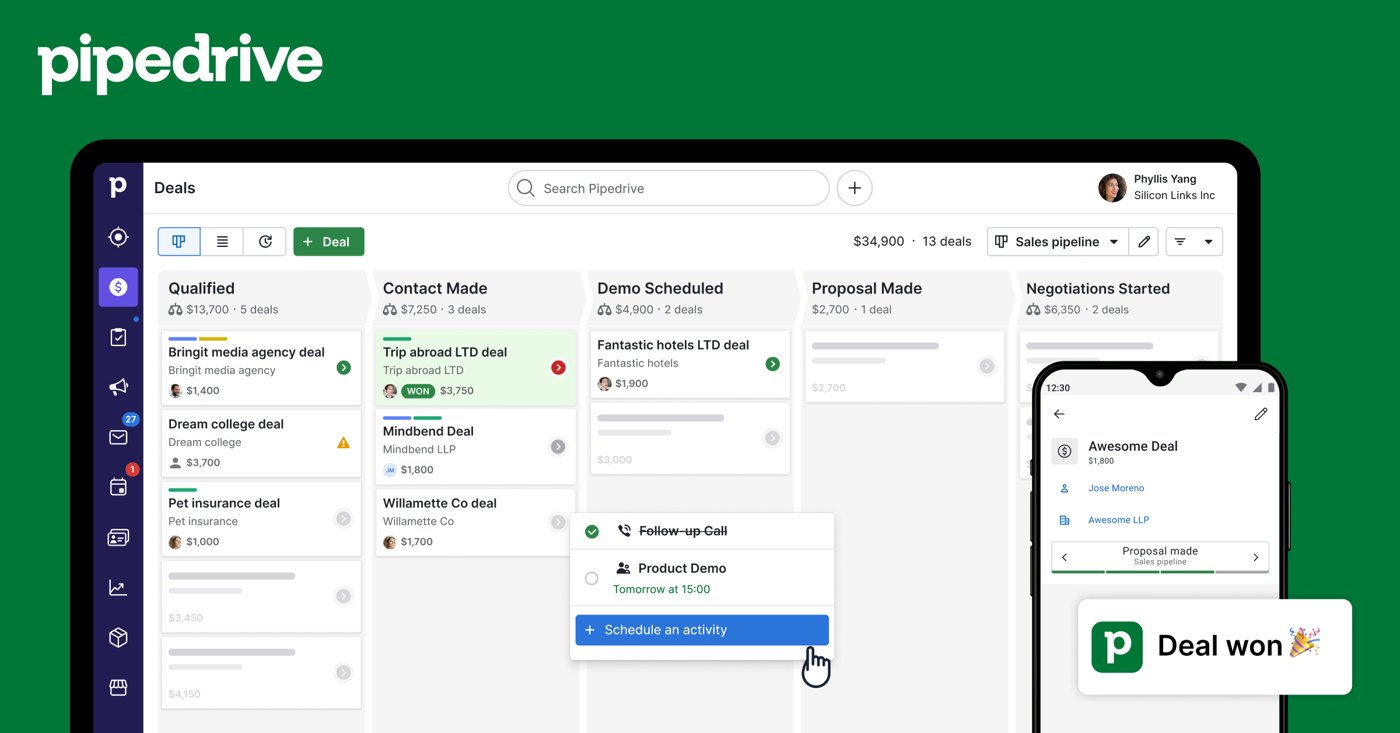
Answer calls in Pipedrive. Every call is logged on the person, organization or deal. It works with the Amazon Connect instance you already run.

Why teams put Amazon Connect inside Pipedrive
Calls handled in Pipedrive
The Amazon Connect softphone runs inside Pipedrive, so sales reps answer, transfer and wrap up without changing windows.
Every call on the right record
Each call is logged against the matching person, organization or deal with direction, duration and the recording.
Runs in your AWS account
Your recordings and Amazon Connect data stay where they already are.
How a call flows
From the first ring to the logged activity, without leaving Pipedrive.
- Call arrives
A customer calls a number on your Amazon Connect instance.
- Record opens
The matching person, organization or deal opens in Pipedrive.
- Rep answers
They take the call in the softphone, with hold, transfer, mute and conference.
- Wrap-up
The rep picks a wrap-up code, so outcomes are captured the same way on every call.
- Call is logged
A Pipedrive activity is created with direction, duration and the recording.
See it in action
Incoming calls open the right deal
When a call arrives, the softphone matches the caller to a Pipedrive person and their open deal.
- Answer or decline from the pop-up.
- The matched person and deal show before you pick up.
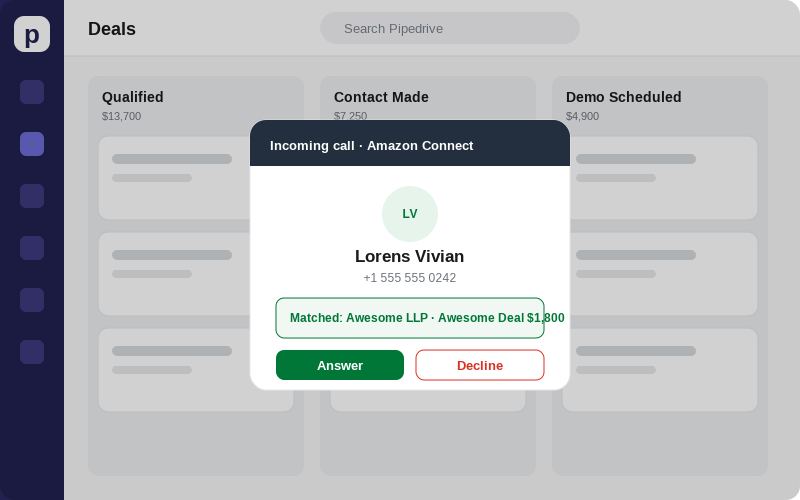
Know who is calling before you answer
On arrival, the matching person, organization or deal opens.
- One match: the record opens.
- Two records share a number: the rep chooses.
- No match: the rep creates the record without leaving the call.
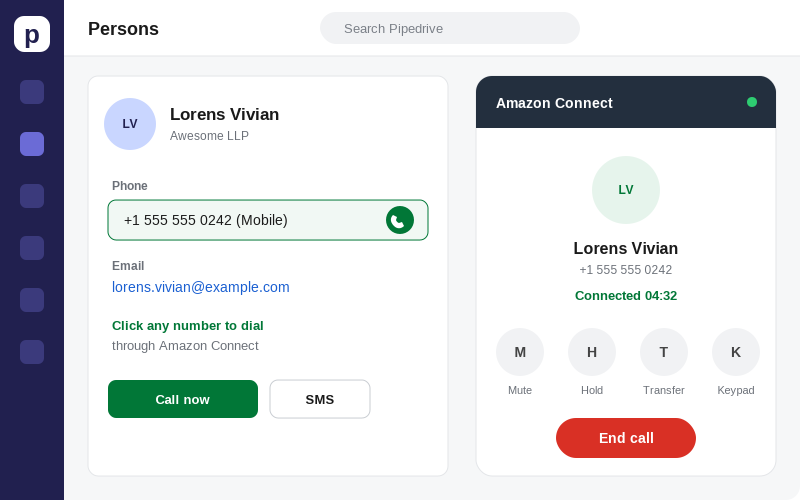
Call from any record
Click any phone number in Pipedrive to dial through Amazon Connect.
Every call logged, with its recording
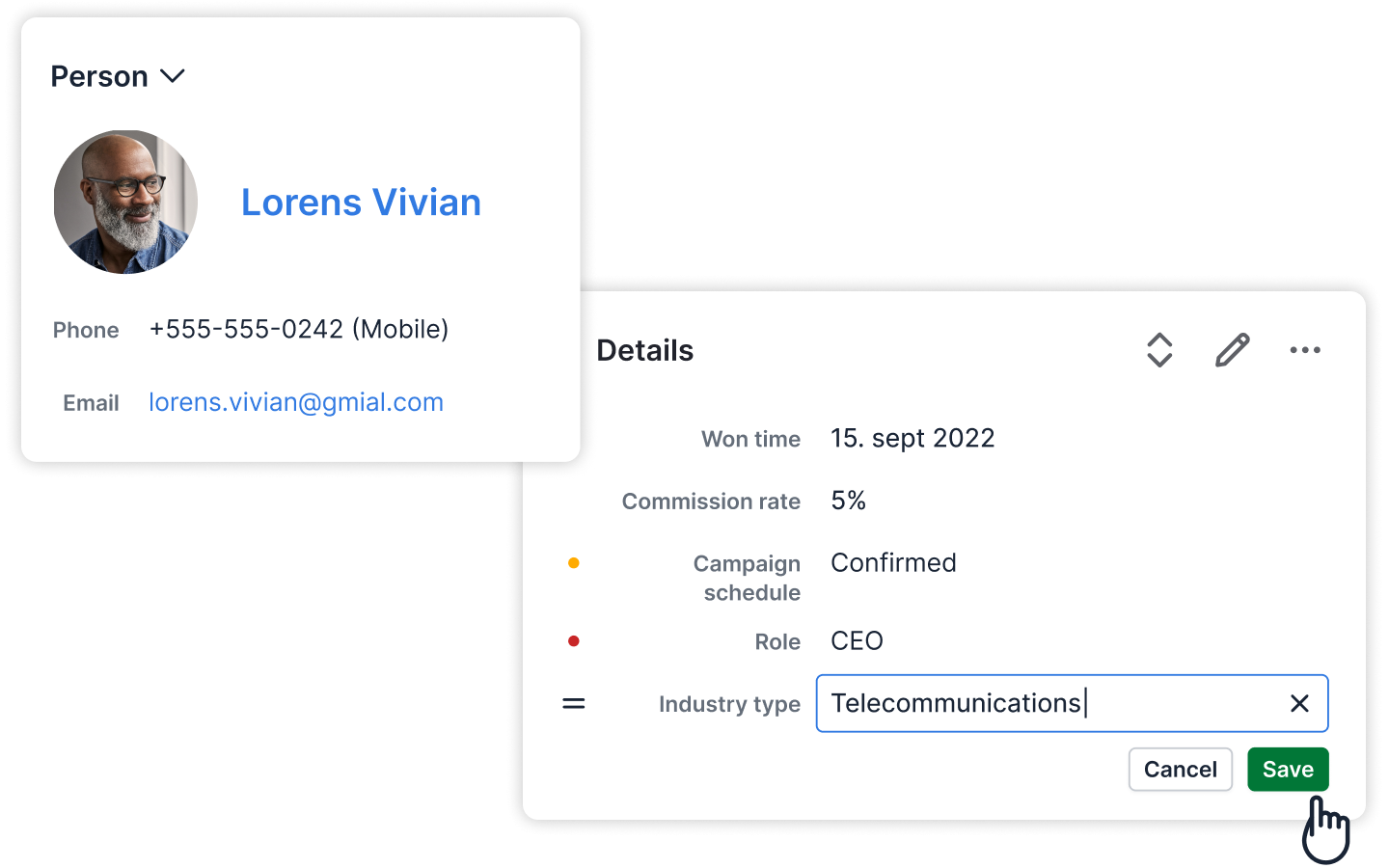
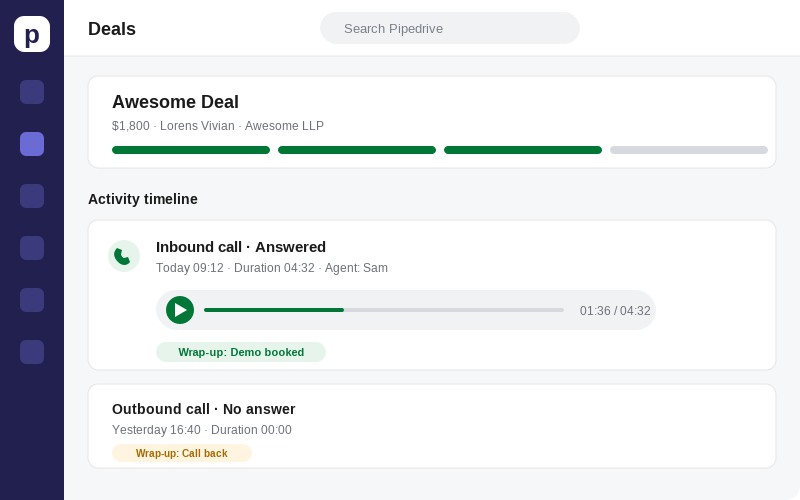
Each call becomes a Pipedrive activity linked to the right record, with direction, duration and the recording.
- Reps can pause and resume recording during sensitive moments.
- Recordings play back from the call activity.
- Wrap-up codes keep reports comparable.
Everything reps can do without leaving Pipedrive
- Take inbound callsThe Amazon Connect softphone runs inside Pipedrive. Answer, hold, resume, transfer, mute and conference from the same window.
- Know who is callingOn arrival, the matching person, organization or deal opens. Two records share a number? The rep chooses. No match? They create the record without leaving the call.
- Call out with one clickClick any phone number in Pipedrive to dial.
- Log every call automaticallyEach call becomes a Pipedrive activity linked to the right record, with direction, duration and the recording.
- Control recordingsReps can pause and resume recording during sensitive moments, and listen back from the call activity.
- Close the loop with wrap-up codesOutcomes are captured the same way on every call, so reports stay comparable.
- Read the conversation laterTranscripts, sentiment and AI summaries can be written to the record. Add-on Call intelligence
How it deploys
The connector runs in your AWS account, so your recordings and Amazon Connect data stay where they already are.
You provide
- Your Amazon Connect instance alias, instance ID and region
- The S3 bucket where Amazon Connect stores call recordings
- A Pipedrive admin to approve the connection
- Someone who can run a CloudFormation template in your AWS account
We provide
- A CloudFormation template, or a step-by-step guide with a remote session
- A trial on our hosted environment first, so you test with real agents before touching production
- Engineers on the thread until your reps are taking calls
Common Questions
Can our reps use it in the browser?
Yes, the softphone runs in the browser tab.
Do we need our own Amazon Connect instance?
Yes. The connector works with the Amazon Connect instance you already run, in your own AWS account.
How is it priced?
Pricing is tailored to your team. Talk to us for a quote.
Related products
Let's talk about your contact center.
Tell us what you run today and what you want next. An Amazon Connect expert will reply with honest next steps.